Platform Features
Build AI-powered applications with persistent memory, seamless integrations, and powerful development tools.
World Models
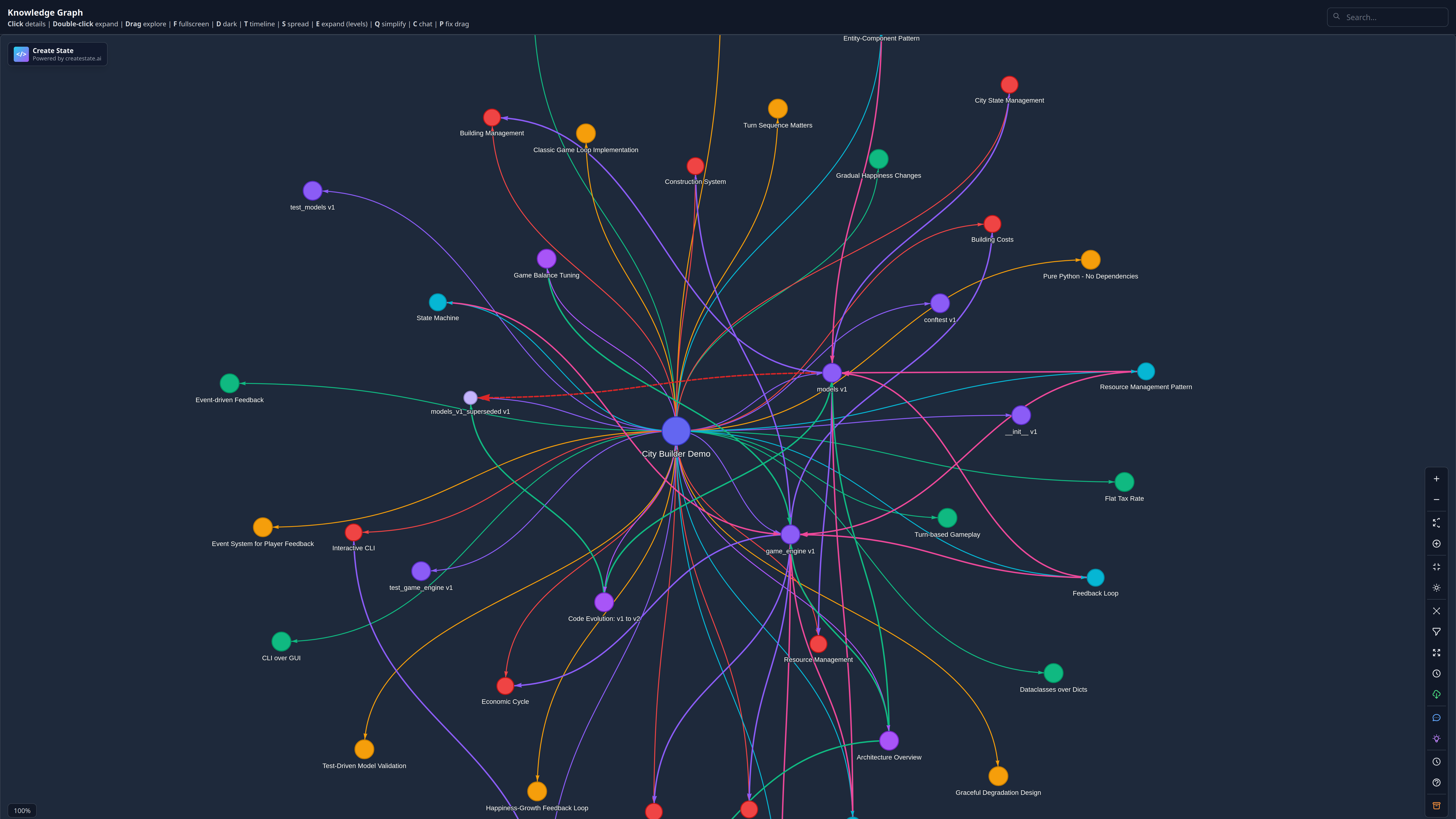
World Models are the foundation of Create State. They act as persistent, intelligent containers for your project knowledge - capturing context, relationships, and insights that grow smarter over time.
- Import documents, code, and data to build your knowledge base
- Automatic relationship discovery and knowledge graph construction
- Query and explore your data using natural language
Build Applications from Data
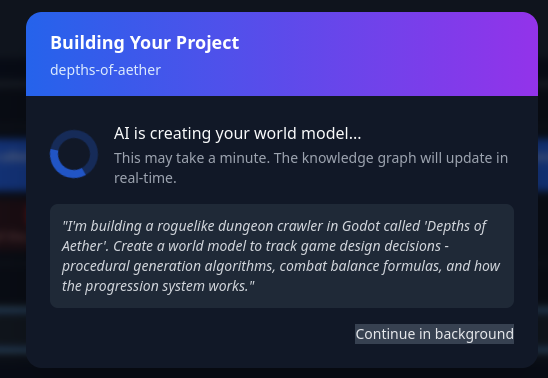
Transform your knowledge into interactive applications. Whether you're building chatbots, Q&A systems, or custom tools - Create State generates applications that leverage your World Model's intelligence.
- Describe what you want to build in plain English
- Import your data files (PDFs, docs, spreadsheets, code)
- Get a fully functional app powered by your knowledge
Integrations
Create State works with the AI tools you already use. Connect your World Models to your favorite development environments and assistants.
Cursor
Full MCP integration with Cursor IDE. Access your World Models directly in your coding workflow with intelligent code suggestions and project-aware assistance.
Claude Desktop
Connect Claude Desktop to your World Models via MCP. Enhance Claude's responses with your project-specific knowledge and context.
OpenAI
Use OpenAI's GPT models with your World Model context. Build custom GPTs and applications powered by your organization's knowledge.
VS Code
Access World Models from VS Code using MCP-compatible extensions. Get intelligent code completion and project-aware suggestions.

GitHub Copilot
Enhance Copilot's code suggestions with your project's specific patterns, conventions, and domain knowledge from your World Model.

Lovable
Build full-stack applications with Lovable while maintaining context through Create State's World Models and shared memory.

Antigravity
Connect Create State with Google's Antigravity platform to leverage Gemini models with your persistent project context.
API Access
Build custom integrations with our comprehensive REST and MCP APIs. Full programmatic access to World Models, knowledge capture, and AI-powered queries.
- RESTful API with OpenAPI documentation
- Native MCP protocol support for AI assistants
- Webhook support for real-time updates
curl -X POST "https://api.createstate.ai/v1/query" \
  -H "Authorization: Bearer $API_KEY" \
  -H "Content-Type: application/json" \
  -d '{
    "model_id": "my-project",
    "query": "What patterns are used?"
  }'
# Install the CLI
pip install createstate
# Authenticate
createstate auth login
# Create a World Model
createstate model create my-project
# Import your codebase
createstate import ./src --model my-project
# Query your knowledge
createstate query "How does auth work?"CLI Tool
Manage World Models directly from your terminal. Import code, capture knowledge, and query your models without leaving the command line.
- Simple pip installation
- Batch import and export operations
- CI/CD integration support
Ready to Build Smarter?
Join developers who are building AI-powered applications with persistent memory and intelligent context.